Connecting Logitech Devices On Linux
Introduction
I have been using Logitech Bluetooth devices on my Ubuntu desktop. The Logitech devices were connected to my computer via the Bluetooth on the motherboard. However, the Bluetooth on my computer has become unstable in recent years, and I will have to completely power off my computer to get the Bluetooth working again, which is very inconvenient.
In this blog post, I would like to discuss how I connected my Logitech Bluetooth devices to my computer without having to replace my motherboard.
Logitech Bolt USB Receiver
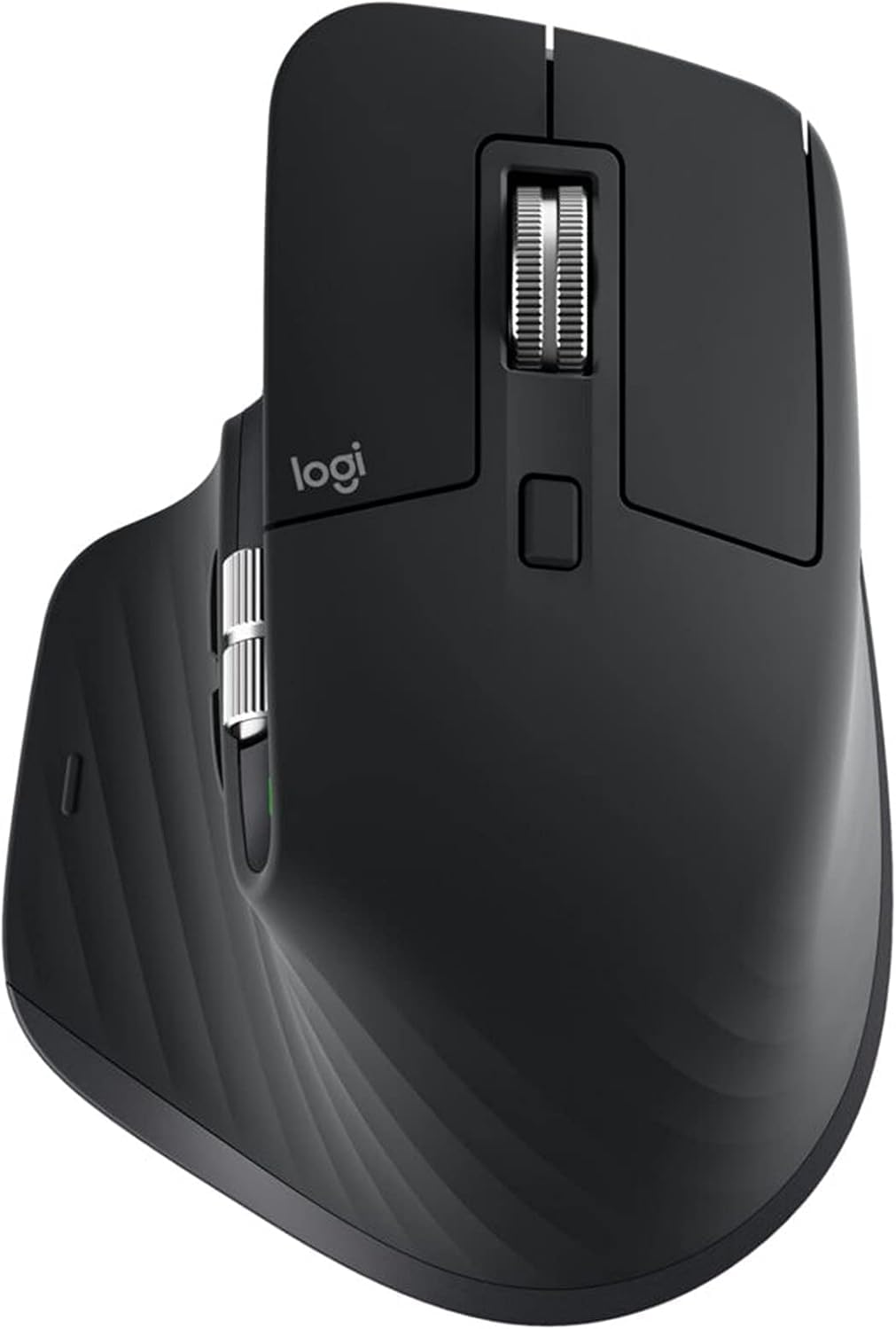
I am currently using Logitech MX Master 3 mouse, and it came with a Logitech USB Unifying Receiver. I could not find the Unifying Receiver at my home anymore. But at least from its description of compatibility on the Logitech website, it seems that the Unifying Receiver is only compatible with Windows and MacOS and they never mentioned if the Unifying Receiver is compatible with Linux.
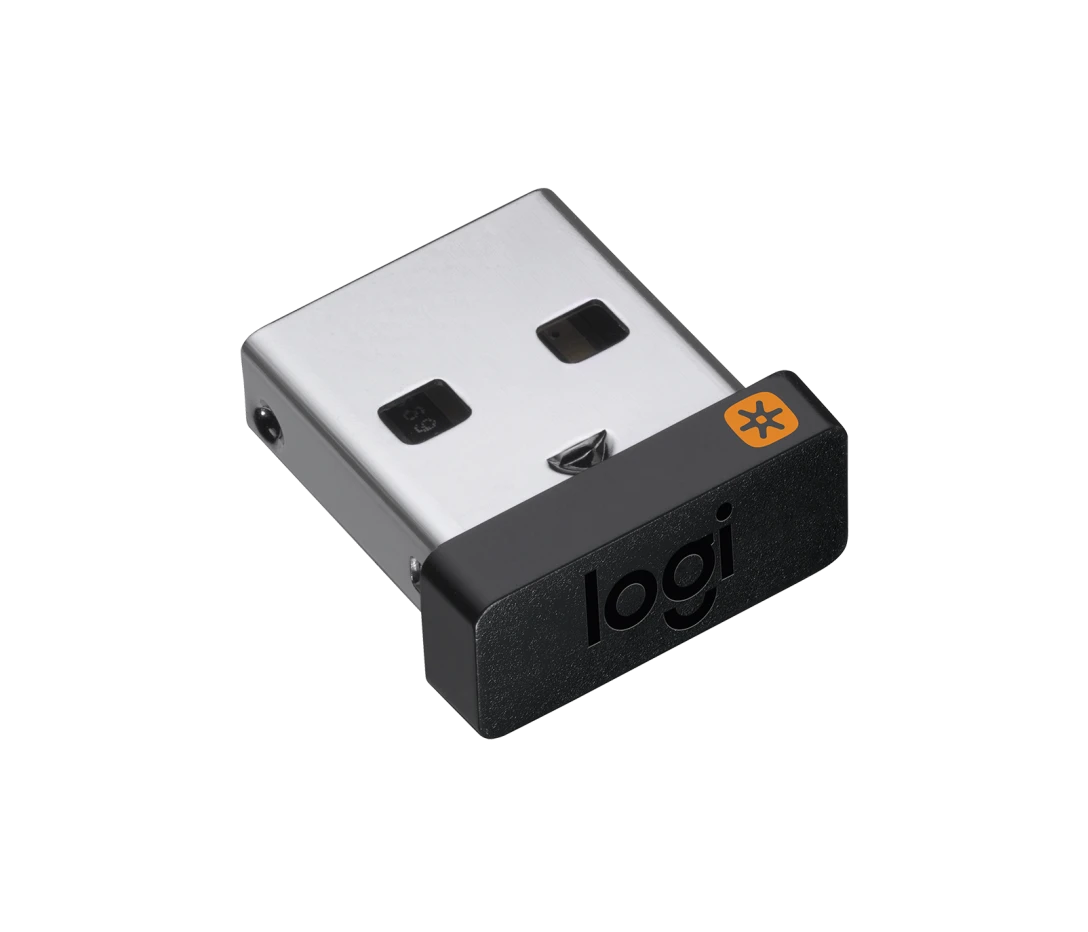
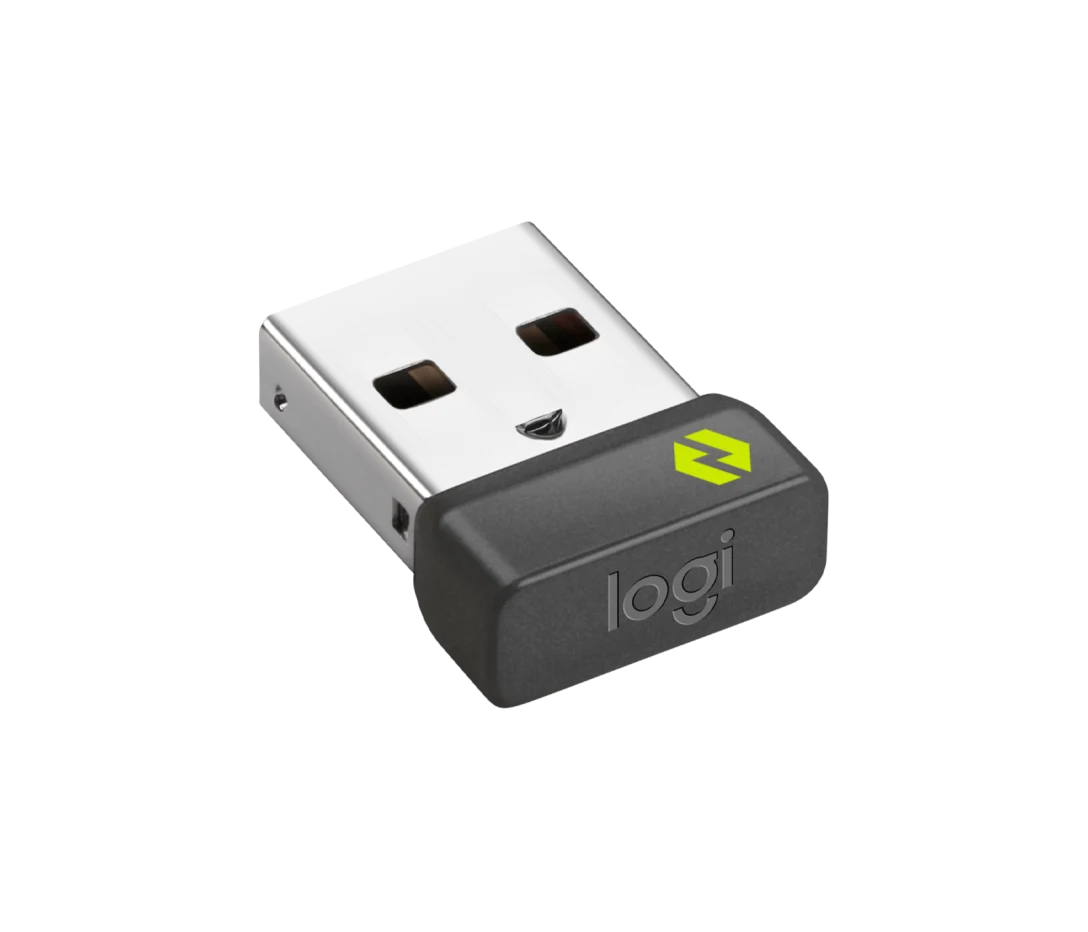
There is also a different Logitech USB receiver called Logitech Bolt USB Receiver available on the Logitech website. They specifically mentioned that the Bolt USB Receiver is compatible with Windows, MacOS, and Linux. So I decided to give it a try and bought the Bolt USB Receiver.
Solaar for Logitech Device Management on Linux
The Logitech website never mentioned how to use the Bolt USB Receiver on Linux. They only provide Logi Options+ for managing Logitech devices on Windows and MacOS.
After some research, I found that there is a third-party open-source software called Solaar that can be used to manage Logitech devices on Linux. Solaar can be installed on Ubuntu via apt.
1 | sudo apt update |
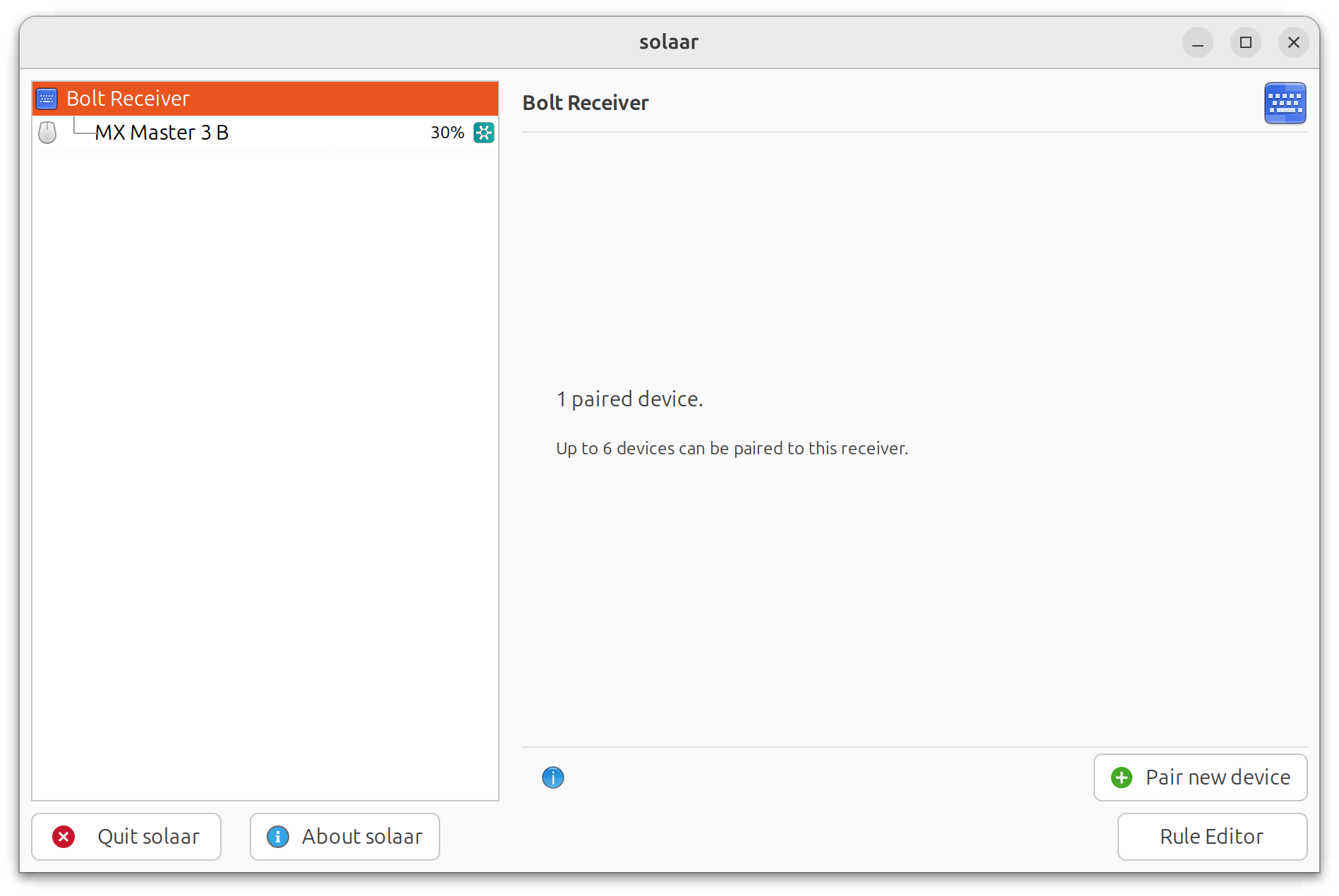
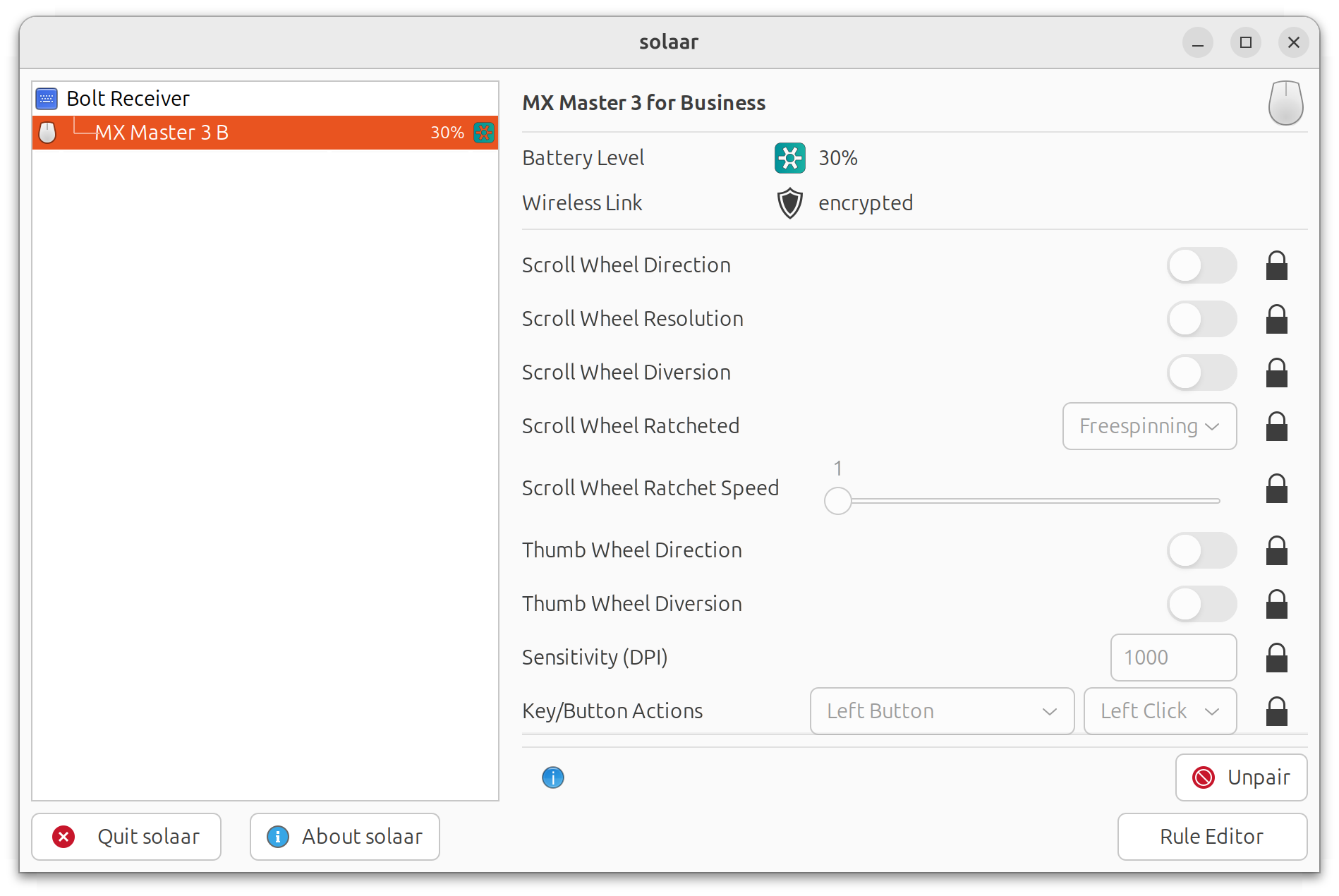
If the Logitech Bolt USB Receiver has been correctly connected to the computer, Solaar will be able to detect the Logitech Bolt USB Receiver. Pairing or removing Logitech devices can be easily done via the Solaar interface.
Conclusions
With the Logitech Bolt USB Receiver and Solaar, I can now connect my Logitech Bluetooth devices to my computer without having to rely on the unstable Bluetooth on my motherboard.
Connecting Logitech Devices On Linux
https://leimao.github.io/blog/Connecting-Logitech-Devices-On-Linux/