Install NVIDIA RTX 5080
Introduction
I recently have purchased an NVIDIA RTX 5080 GPU for upgrading my desktop from an NVIDIA RTX 3090 GPU. However, when I tried to install the GPU, I encountered a few issues.
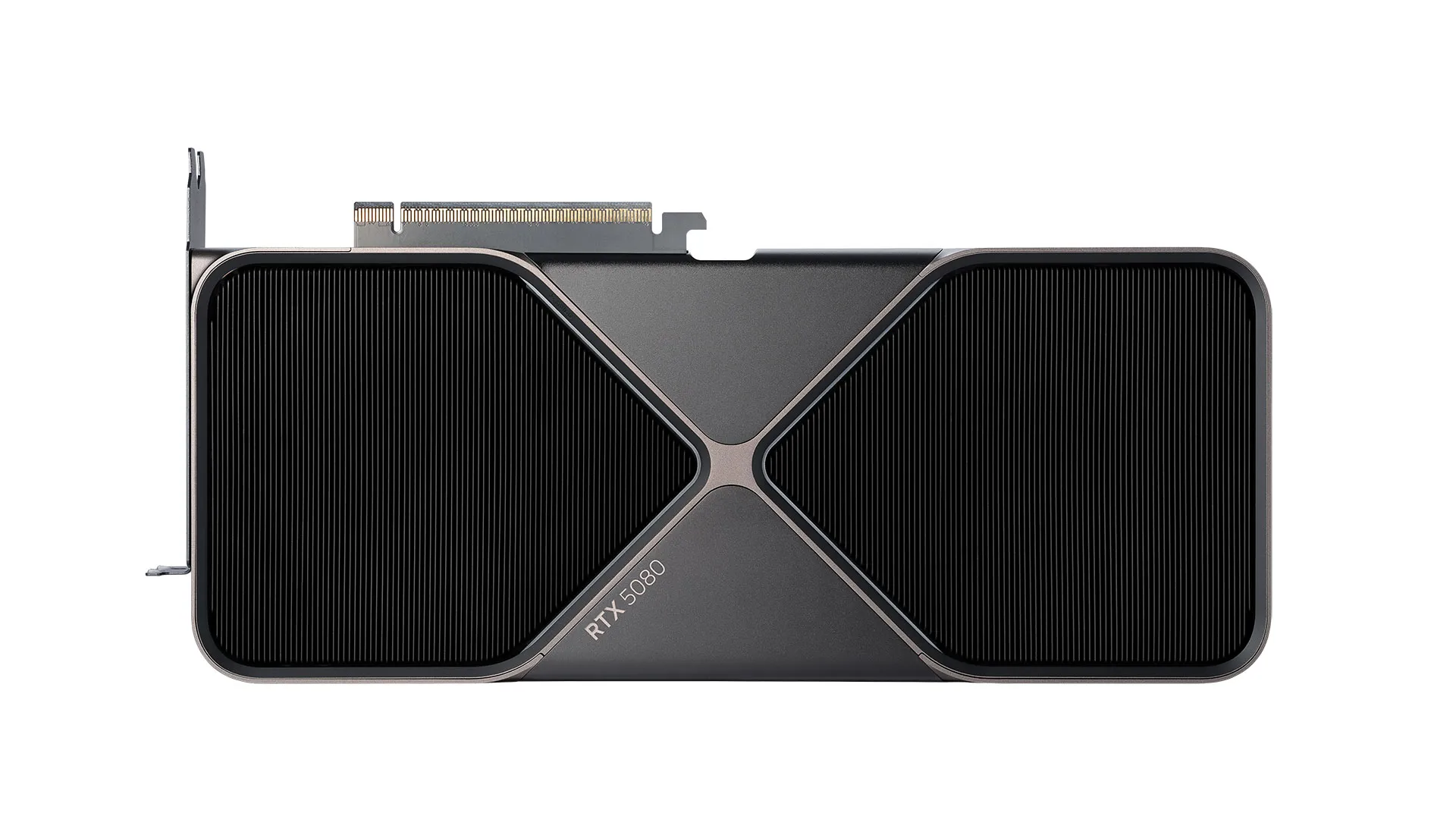
In this blog post, I would like to share my experience of installing an NVIDIA RTX 5080 on a six-year old desktop.
Install NVIDIA RTX 5080
ATX 3.0+ Power Supply
In 2020, NVIDIA RTX 3090 GPU was released and it uses a double 8-pin to 16-pin adapter. In 2022, NVIDIA RTX 4090 GPU was released and ATX 3.0 power supply was also introduced, which provides a new 16-pin to 16-pin 12VHPWR power connector that can deliver up to 600W of power to the GPU, so that high-end GPUs can be powered more efficiently and effectively.
My power supply is a SeaSonic PRIME Ultra Titanium 1000 W SSR-1000TR, which is an old one that does not follow the ATX 3.0 standard. I had to use a double 8-pin to 16-pin adapter to connect the power supply to NVIDIA RTX 3090 GPU. When I opened the box of NVIDIA RTX 5080 GPU, I found that it has to be powered using a triple 8-pin to 16-pin adapter, if the power supply does not provide a 16-pin to 16-pin 12VHPWR power connector. So I have to take out the power supply from my computer chassis and connect another 8-pin to 8-pin power cable to the power supply.
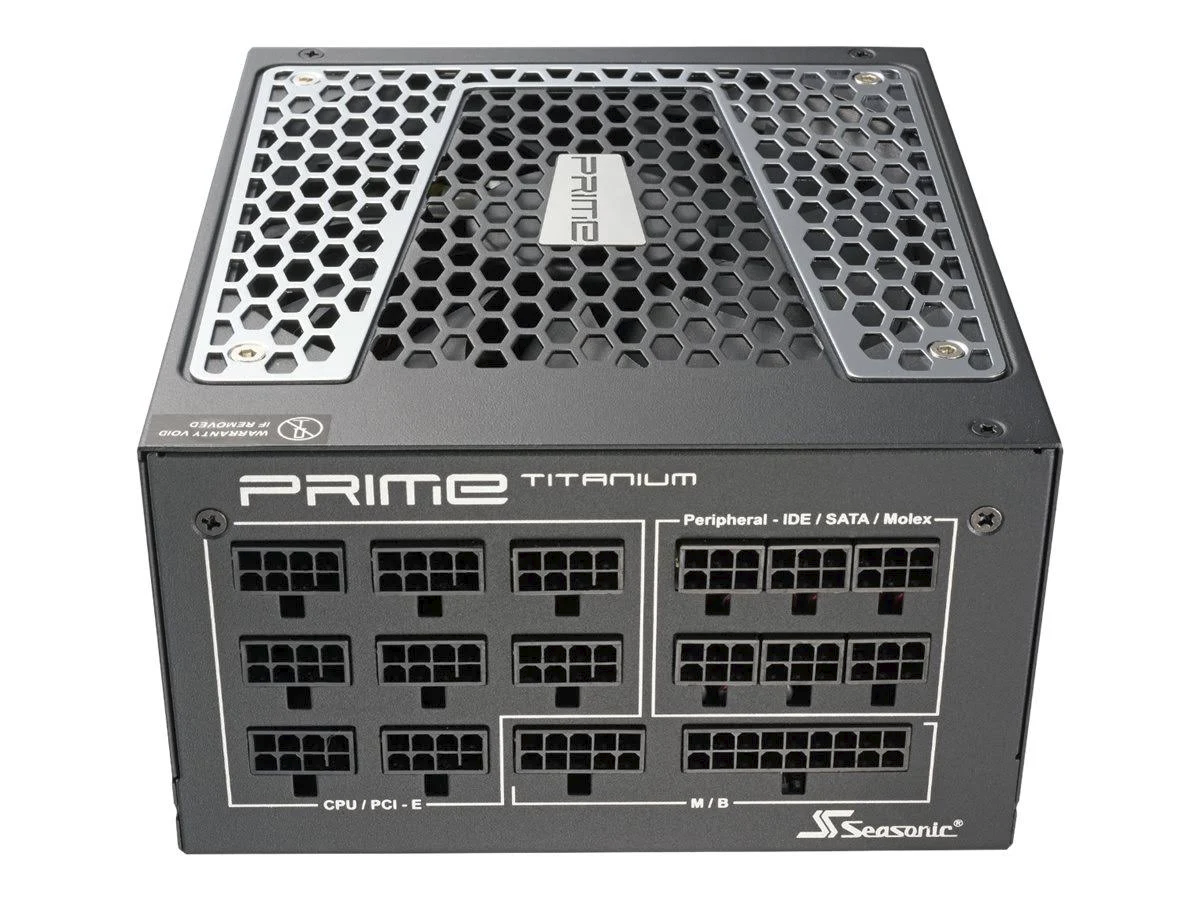
To my surprise, SeaSonic PRIME Ultra Titanium 1000 W SSR-1000TR only comes with four 8-pin power cables and they have already been used in my computer for motherboard and GPU. It also has a few 6-pin to 8-pin power cables, which appears to be 8-pin to 8-pin power cables with two pins missing in the plastic connector. I was not sure if such 6-pin to 8-pin power cable can be used as an 8-pin to 8-pin power cable to power my GPU. So I did some Google search and found on Reddit that it is OK to use it because the missing two pins are used for additional grounding, which is not necessary for powering the GPU.
GPU Driver
I was using the NVIDIA GPU driver nvidia-driver-580 for NVIDIA RTX 3090 GPU on my Ubuntu 24.04 system. However, after I installed the NVIDIA RTX 5080 GPU, I found that I could enter the GUI of Ubuntu 24.04 system but terminal login still worked. So I realized that it must be the GPU driver issue. I unplugged the display DP cable from the GPU and plugged it into the motherboard, so that the integrated GPU of CPU can be used to display the GUI. After rebooting the system, I was able to successfully enter the GUI of Ubuntu 24.04 system.
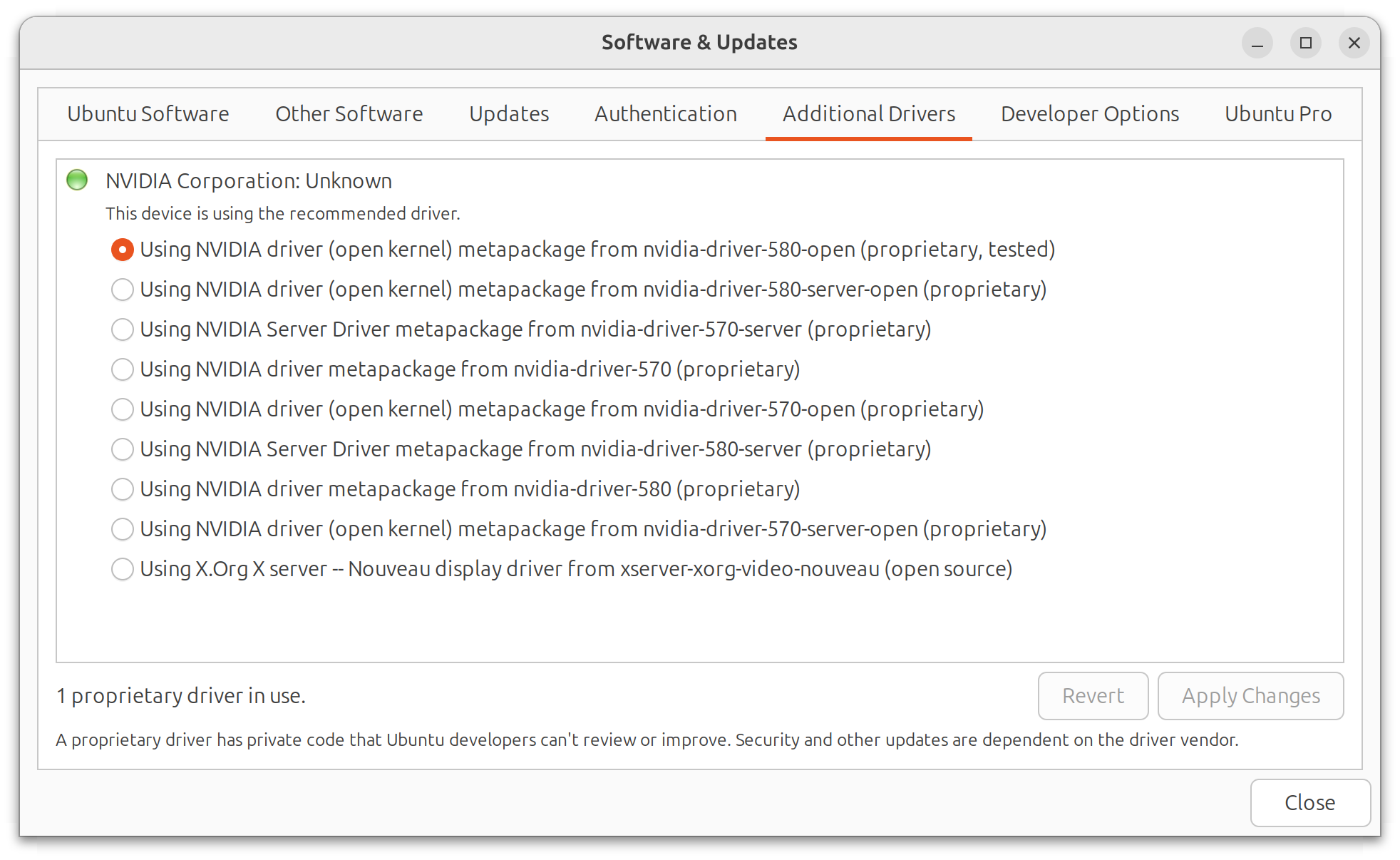
When I typed nvidia-smi command in the terminal, it reported that “No devices were found”. Then I switched the GPU driver to nvidia-driver-580-open using Software & Updates application. After rebooting the system, I was able to enter the GUI of Ubuntu 24.04 system and the GPU started to work properly.
Conclusions
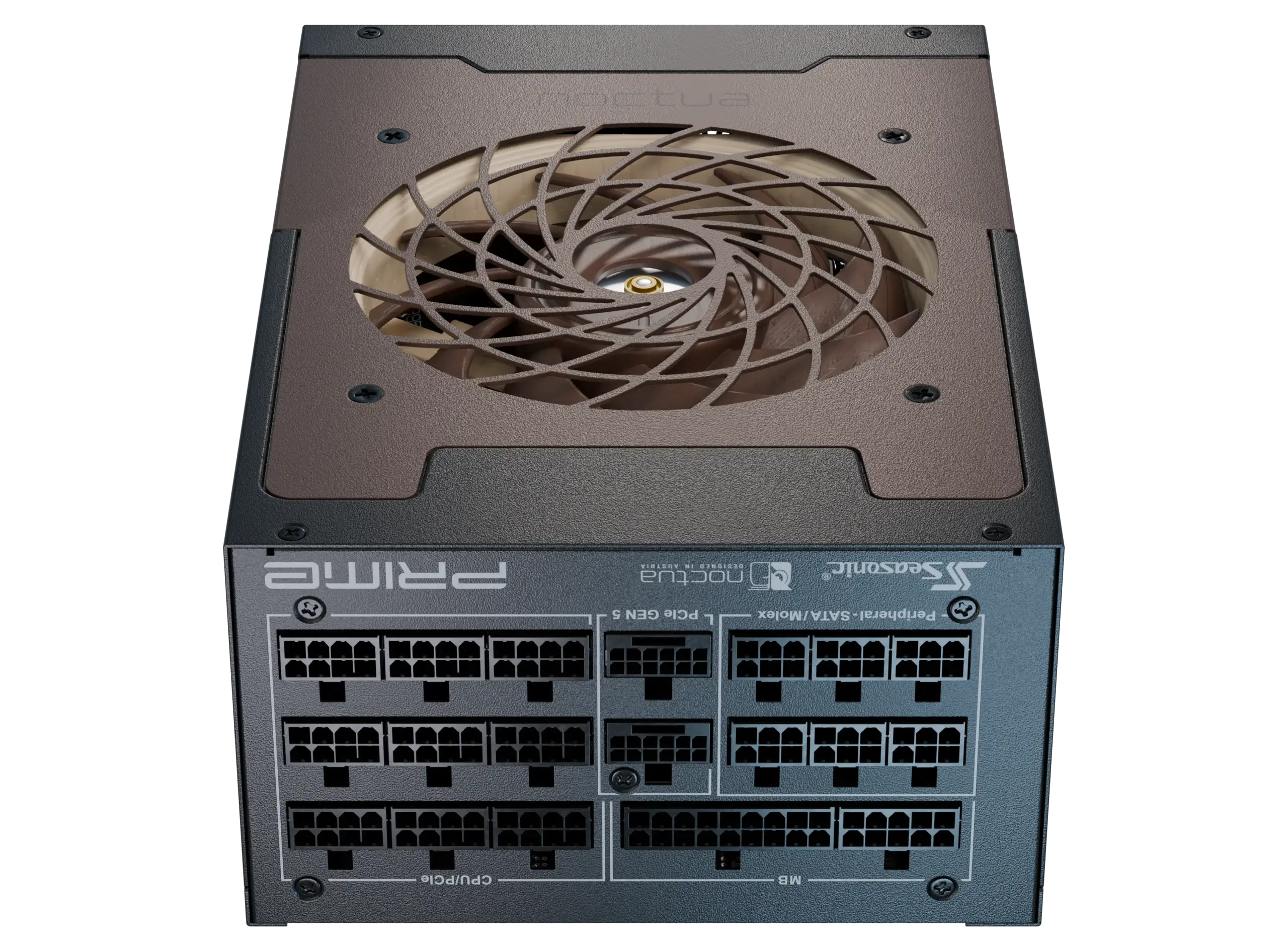
Managing a triple 8-pin to 16-pin adapter and using three 8-pin power cables to power the GPU is a bit cumbersome. For future completely new setups, ATX 3.1 and PCIe 5.1 compatible power supplies should be used to power high-end GPUs. For example, SeaSonic PRIME TX-1600 Noctua Edition is such a kind of power supply.
Install NVIDIA RTX 5080